A more deliberate environment
Selected apps, clearer boundaries and fewer opportunities to wander into unfamiliar digital territory. The security approach centers on rules for navigation, files and device permissions.
 exolet
Included with Exolet Digital Village
MyCove Desktop App for Windows and Mac
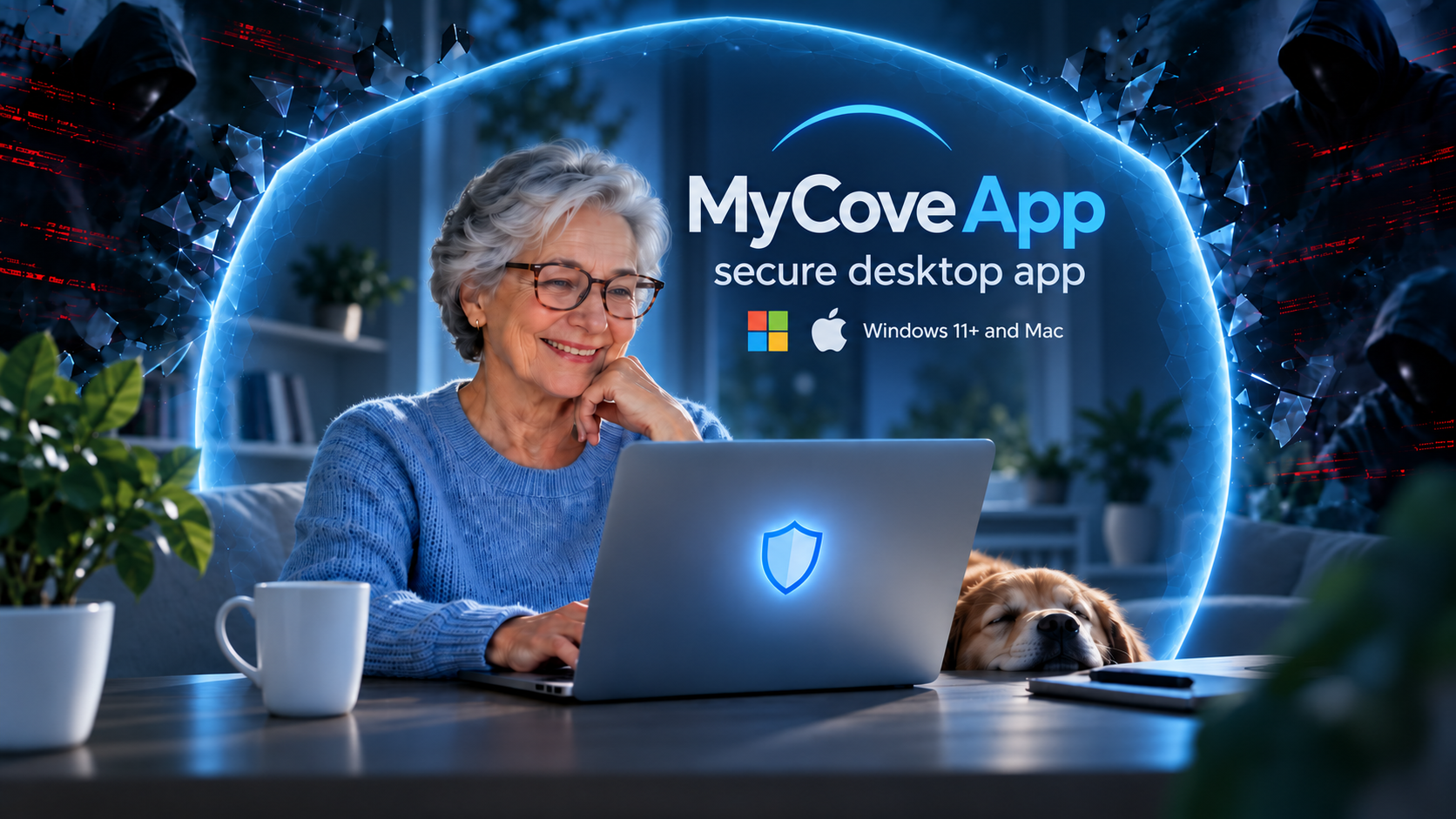
Choose Digital Village and your community gets a MyCove subscription at no extra charge. MyCove’s protection is delivered through the installed Windows or Mac package, combining a controlled environment for Exolet TV and selected web apps with current safety education and trusted support. Installation is required to use MyCove.
An added benefit for your residents
MyCove extends Exolet TV to Windows PCs and Macs in a dedicated installed desktop app. The focus is a familiar starting point for entertainment, connection and selected browser-based services, with protection settings suited to the individual. For communities, a MyCove subscription is included in Digital Village at no extra charge, with protection delivered through the installed desktop package. Families can also purchase it for loved ones in homecare, 55+ living or other home settings, including as part of a Family Channel option.
Selected apps, clearer boundaries and fewer opportunities to wander into unfamiliar digital territory. The security approach centers on rules for navigation, files and device permissions.
Our Exolet TV channel already includes hundreds of curated safety videos. That library brings practical education into the same experience seniors use for entertainment and connection.
Family-assisted setup and a clear path to trusted help are central to MyCove. Protection should help seniors stay confident and independent, with support when something feels wrong.
Community subscription included. Family purchases available.
Your Digital Village offering includes a MyCove subscription at no extra charge. Residents install the Windows or Mac package to access MyCove’s protection alongside their TV experience. Community staff or family can help with installation and setup.
Families can purchase MyCove for a loved one. It can be made available directly to residents in homecare or 55+ living, or as part of a Family Channel option, with family-assisted installation and setup.
Safety education that keeps moving
Scams change. A useful safety library needs to keep changing with them. Our existing collection of hundreds of curated videos provides a foundation; the continuing focus is new videos that explain emerging threats in clear, practical terms.
Keeping that education current means reviewing new material, checking its source and relevance, and bringing fresh lessons into the TV channel. Timely topics deserve renewed attention, even when a senior has watched earlier safety videos.
Topics include impersonation calls and messages, suspicious links, fake technical support, urgent payment requests, account security and attempts to obtain personal information. Lessons should explain what the scam looks like, why it feels convincing and what to do when it happens.
Pause when a message creates urgency. Verify a request through a familiar contact method. Ask a trusted person before sending money, sharing a verification code or allowing remote access. Practical examples and repeated reminders make education more useful than a warning that simply says “be careful.”
Protection is an ongoing experience. A controlled app can reduce certain risky actions. Current education helps seniors recognize threats that arrive through other channels, including phone calls and messages outside MyCove.
A familiar routine
Our security approach
Education and technical controls work together. The areas below guide MyCove’s security design; specific controls and supported services depend on the configuration and should be confirmed with our team.
| Protection area | Purpose |
|---|---|
| Selected apps and destinations | Keep activity centered on approved services. Navigation rules need to account for redirects, new windows and links that attempt to leave the controlled environment. |
| Files and downloads | Reduce opportunities to open unwanted files. Restrictions need to cover the relevant download, preview and file-opening paths for each supported app. |
| Stronger authentication | Use two-factor authentication or passkeys where supported to strengthen account access and protect sensitive settings. Each third-party service still needs its own account security configuration. |
| Permissions for each app | Give a service only the device capabilities it needs. Review camera, microphone, notifications and other supported permissions individually. |
| Separation and maintenance | Keep third-party web content away from administration tools and native capabilities. Browser isolation, security updates and ongoing compatibility checks are essential parts of maintaining the environment. |
| Trusted help and privacy | Protect changes to sensitive settings while keeping recovery understandable. Helping configure the app should not automatically give someone access to private messages or personal accounts. |
| Current safety education | Use our curated TV-channel video library as a foundation, with continuing attention to new videos about emerging scams and threats. Explain practical next steps alongside the warning signs. |
No. For communities, a MyCove subscription is included in Digital Village at no extra charge, with protection delivered through the installed desktop package. Families can purchase it for loved ones outside community living, including residents in homecare or 55+ living, or through a Family Channel option.
Yes, family involvement is part of the approach. Discuss additional services with our team so compatibility and the appropriate settings can be reviewed. Different web apps need different permissions and boundaries.
Scam tactics evolve, and people benefit from timely examples and repeated reminders. A large library is a starting point; keeping the education relevant means continuing to curate new lessons and revisit subjects as threats change.
No. MyCove access and third-party account access are separate. Two-factor authentication or passkeys need to be configured for each supported account, alongside protection for MyCove’s own settings.
Yes. MyCove’s security environment is delivered through its installed Windows or Mac package. Install the package on your Windows PC or Mac to use its controlled environment.
The controlled environment applies within MyCove. Other browsers and desktop apps operate under their own settings. Whole-device restrictions require separate Windows or Mac management.
No. A MyCove subscription is included with Digital Village for communities at no extra charge. Installation is required to use MyCove and its protection. Families outside the community offering can purchase it separately for a loved one. Contact our team for family purchase details and Family Channel options.
Ask your Digital Village community for the MyCove installation package, or contact our team to arrange a family purchase and discuss Windows or Mac setup.
Choose Digital Village for your community and get a MyCove subscription at no extra charge. The installed Windows or Mac package delivers MyCove’s controlled environment, helping residents connect, learn and take a more deliberate approach to digital safety.