
01
Introduce a family celebration02
Show the people who were there03
Share a favorite moment04
Finish with a meaningful photo
EXOLET TV / VISUAL RESOURCE GUIDE
Their music.
Their world.
Personalized listening, familiar faces and visual discoveries on the TV.
- Choose music and visuals together
- Explore sample slides, stories and personal photos
- Watch, listen or join in whenever it feels right
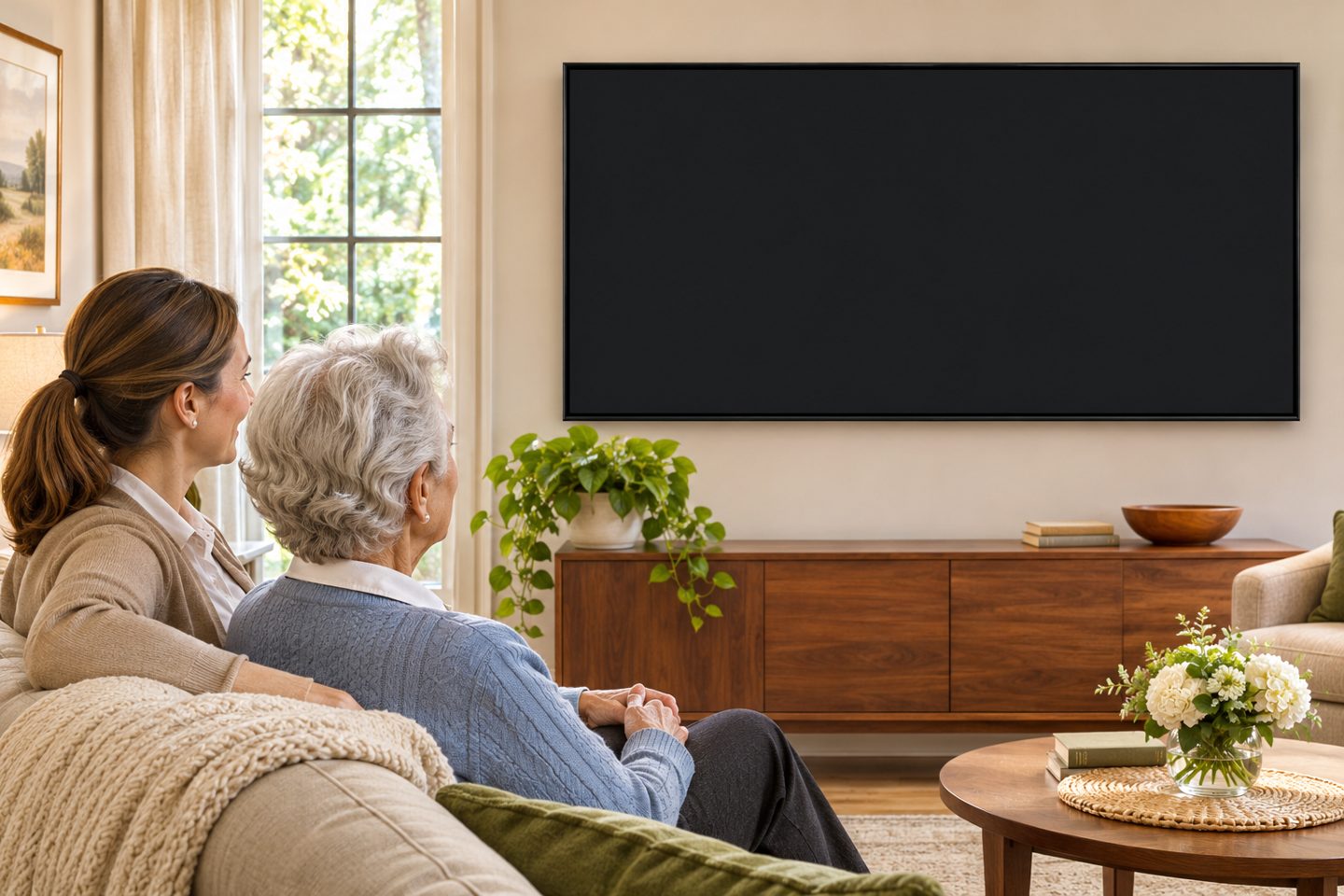

PERSONALIZATION, TOGETHER
Like a music video made for them.
Imagine favorite music playing while a changing selection of photos, places, dancing, discoveries and useful information appears on the TV. Together, the resident and caregiver can shape the mix around the person's interests.
Watch, listen, talk or simply enjoy the music. There is no need to answer every question or pay attention to every slide.
01
Choose the music
Explore music and select a collection or program the resident enjoys.
02
Show the samples
Using the TV remote, show samples from one visual category at a time. Explore and notice what the resident likes.
03
Make the mix
Choose preferred categories, leave out those that do not appeal, and emphasize favorites. Save the visual preferences and revisit them over time.
ON THE TV
Choose the music. Shape the visuals.
During music playback, open the menu and choose Overlay Settings. Discover and Daily Life offer different visual categories. The screenshots below show examples; choices can be adjusted for the person watching.
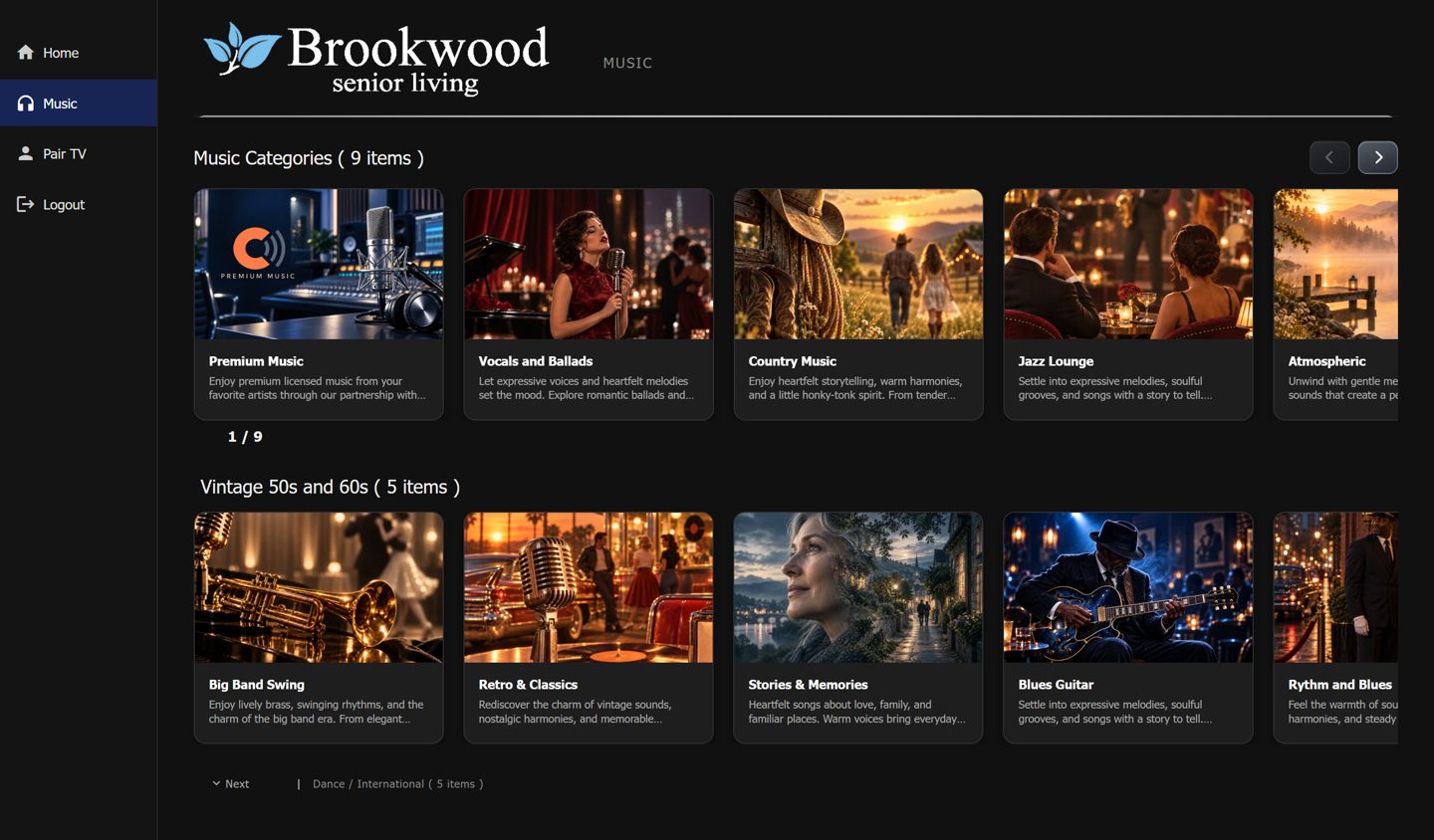
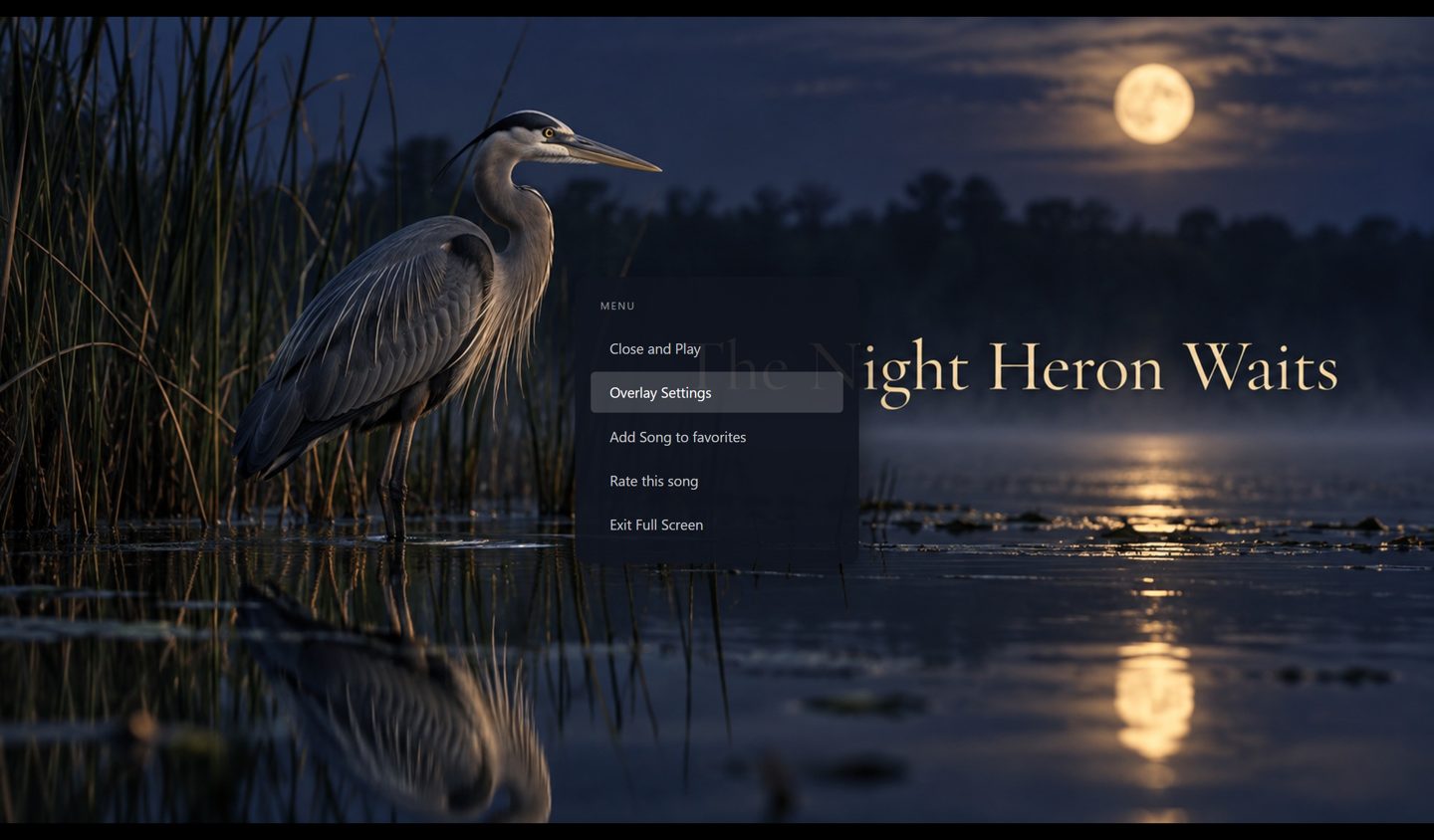
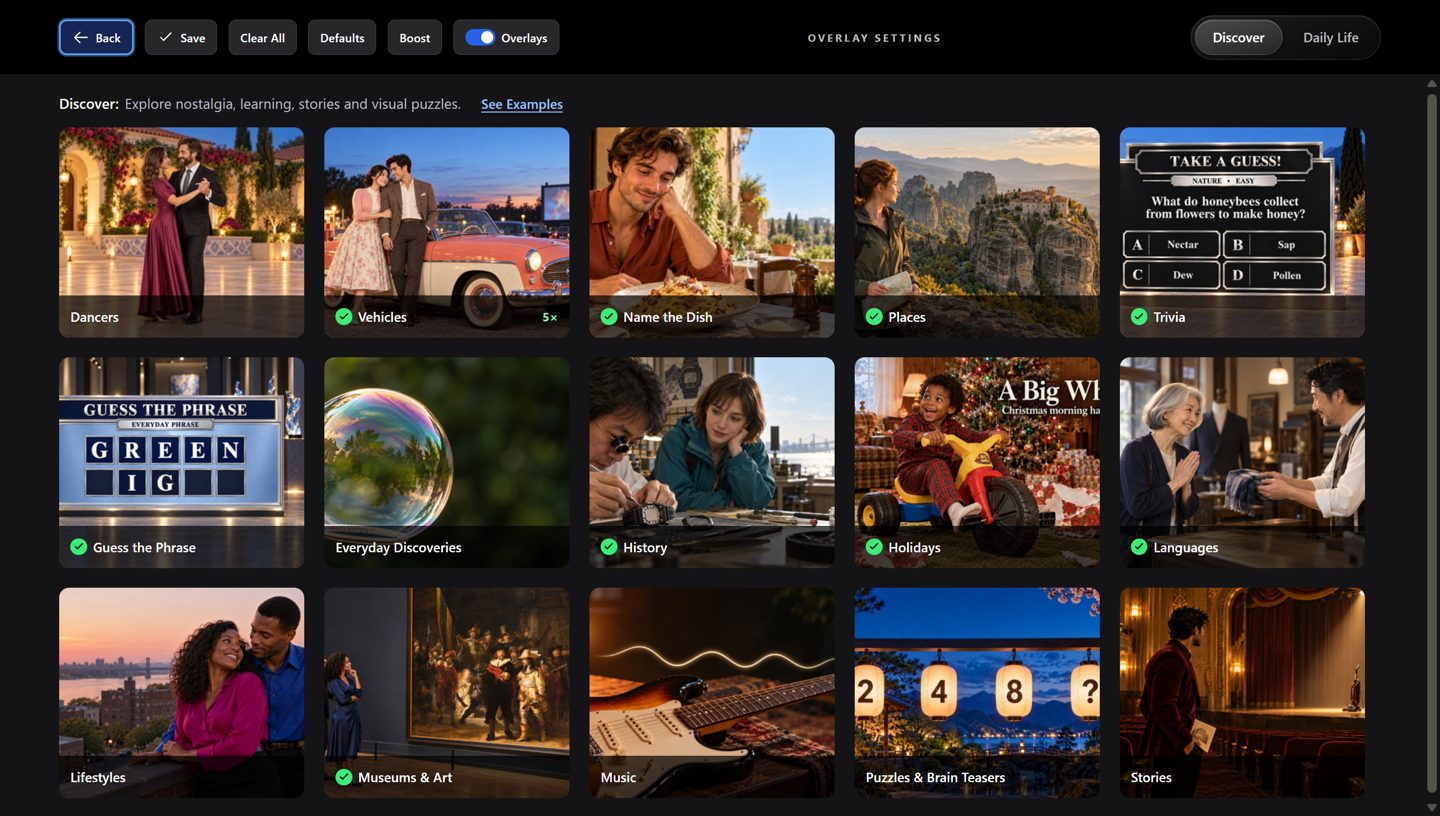
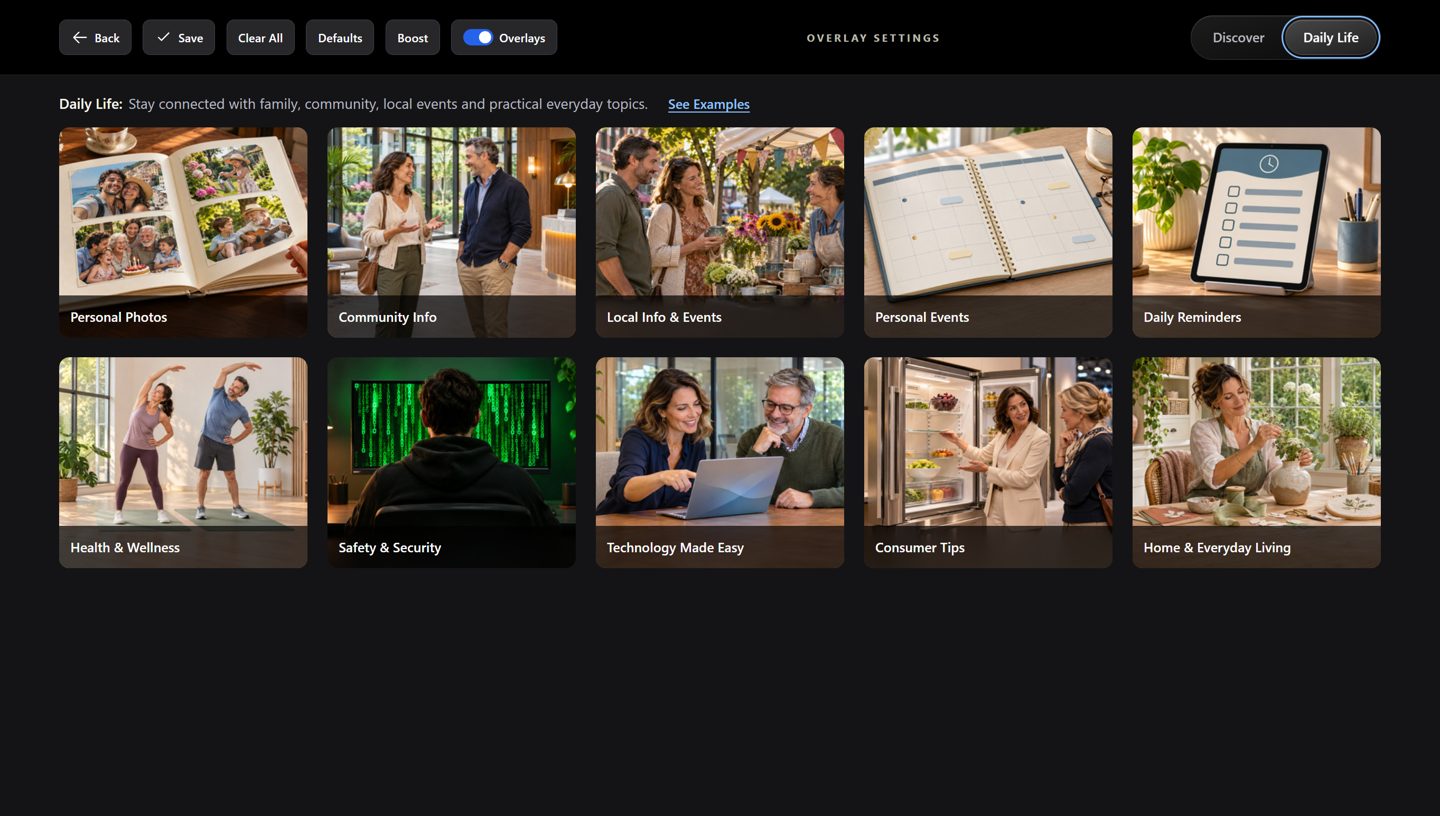
Visual selections and emphasis can be saved for a user or paired TV. Personal Photos can be emphasized for someone who enjoys them; mixing in other selected categories offers variety.
EXPLORE TOGETHER
Find the sights they enjoy.
Choose a category to open its full-size sample page. Click a slide to reveal its information; click a video to play or pause it.
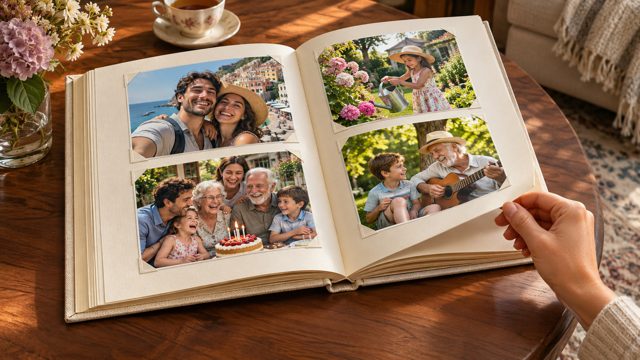 Personal Photos10 examples
 Places8 examples
 Name the Dish10 examples
 Languages10 examples
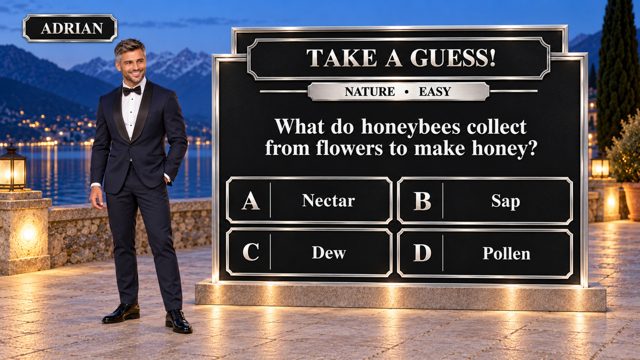 Trivia7 examples
 History9 examples
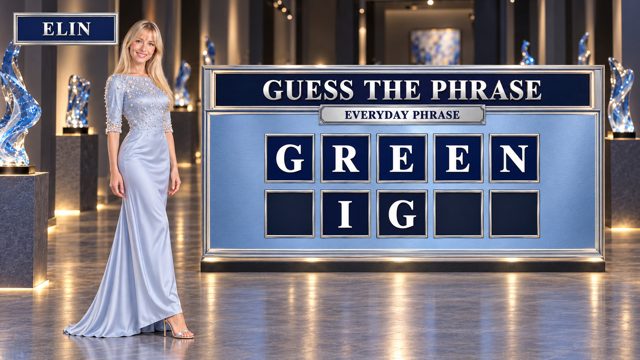 Guess the Phrase6 examples
 Vehicles8 examples
 Discoveries7 examples
 Holidays8 examples
 Lifestyles6 examples
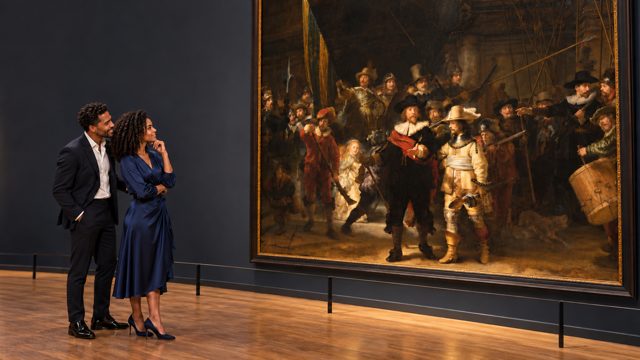 Museums & Art7 examples
 Music5 examples
 Puzzles7 examples
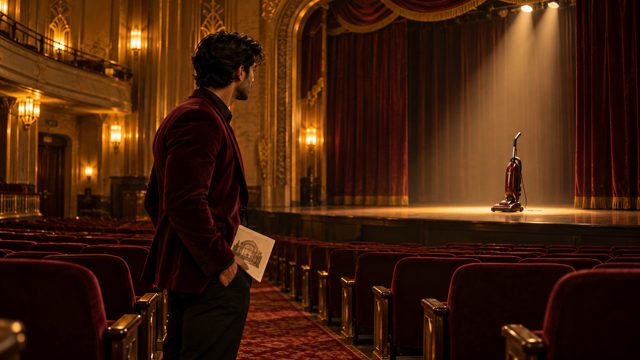 Stories5 examples
 Relaxing Luxury (videos)5 examples
 Relaxing Spa (videos)5 examples
 Dancers (videos)10 examples
 Relaxing Nature (videos)5 examples
Participation is optional. Follow the person's interest, change the selection or take a break whenever they wish.
DAILY LIFE
More ways to make the TV personal.
Alongside Personal Photos, Daily Life can bring community updates, personal information and everyday topics to the TV. Choose what is useful and welcome for the individual. The descriptions below explain each category; the Personal Photos example is in the sample browser above.
- Community Info
- Announcements and news from your community.
- Local Info & Events
- Discover nearby events, activities and local updates.
- Personal Events
- Appointments, occasions and events from your calendar.
- Daily Reminders
- Your daily and weekly reminders.
- Health & Wellness
- Explore everyday well-being, movement, rest and healthy habits.
- Safety & Security
- Helpful guidance for staying safe at home and online.
- Technology Made Easy
- Explore practical ways to use everyday technology.
- Consumer Tips
- Helpful guidance on everyday products, services and consumer rights.
- Home & Everyday Living
- Ideas for a comfortable, organized and enjoyable home.
BEYOND TWO SLIDES
Tell a story in order.
Two slides are a beginning. Longer sequences—for example, four slides—can tell a story or lead the viewer through a logical conclusion. A family member or caregiver can also arrange personal photos and information in a specific order.
This is one possible story. Choose the photographs, information and order that feel right for the individual.
KEEP CREATING
What would they like to see?
Your ideas can help shape future content. Is there a favorite hobby, era, place, food, family story or type of visual sequence you would like to see? Tell us what the person enjoys, what they prefer to avoid, and what might make the experience more personal.
Please avoid sending private photos or sensitive personal details in an initial email; contact Exolet to discuss the appropriate way to share them.
Share an idea by email:
Questions?  · Read the companion article